Agreements
Online signatures
Artistu allows you to send your agreements for digital signature directly from the platform. This streamlines the booking process and keeps everything in one place.
Create a template first
Before using online signatures, we strongly advise you to create an Agreement template first. This ensures your agreements are consistent and correctly formatted.
Sending a request
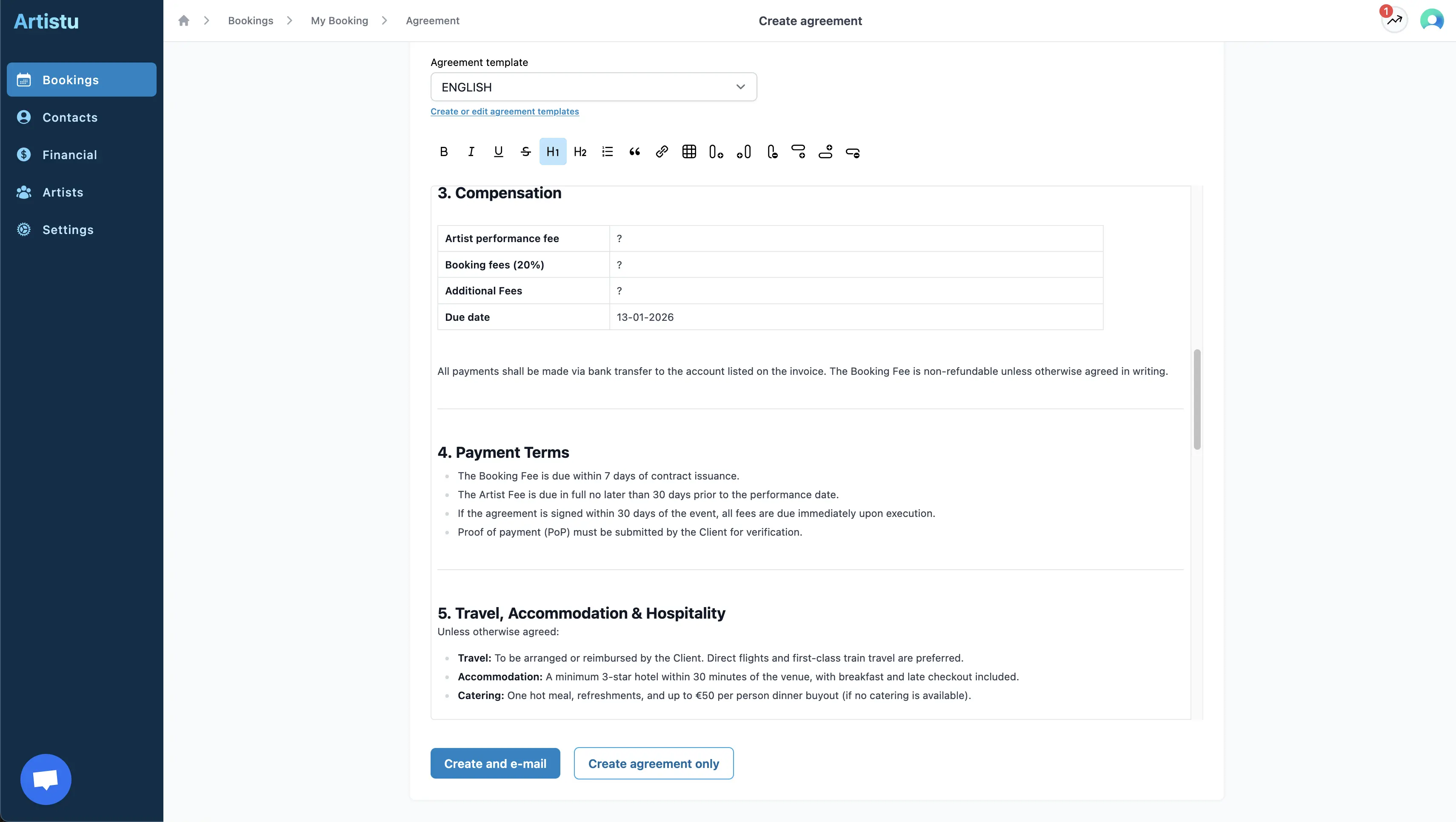
To send an agreement for online signature, when you are creating the agreement click on Create & Email.
Customizing the email
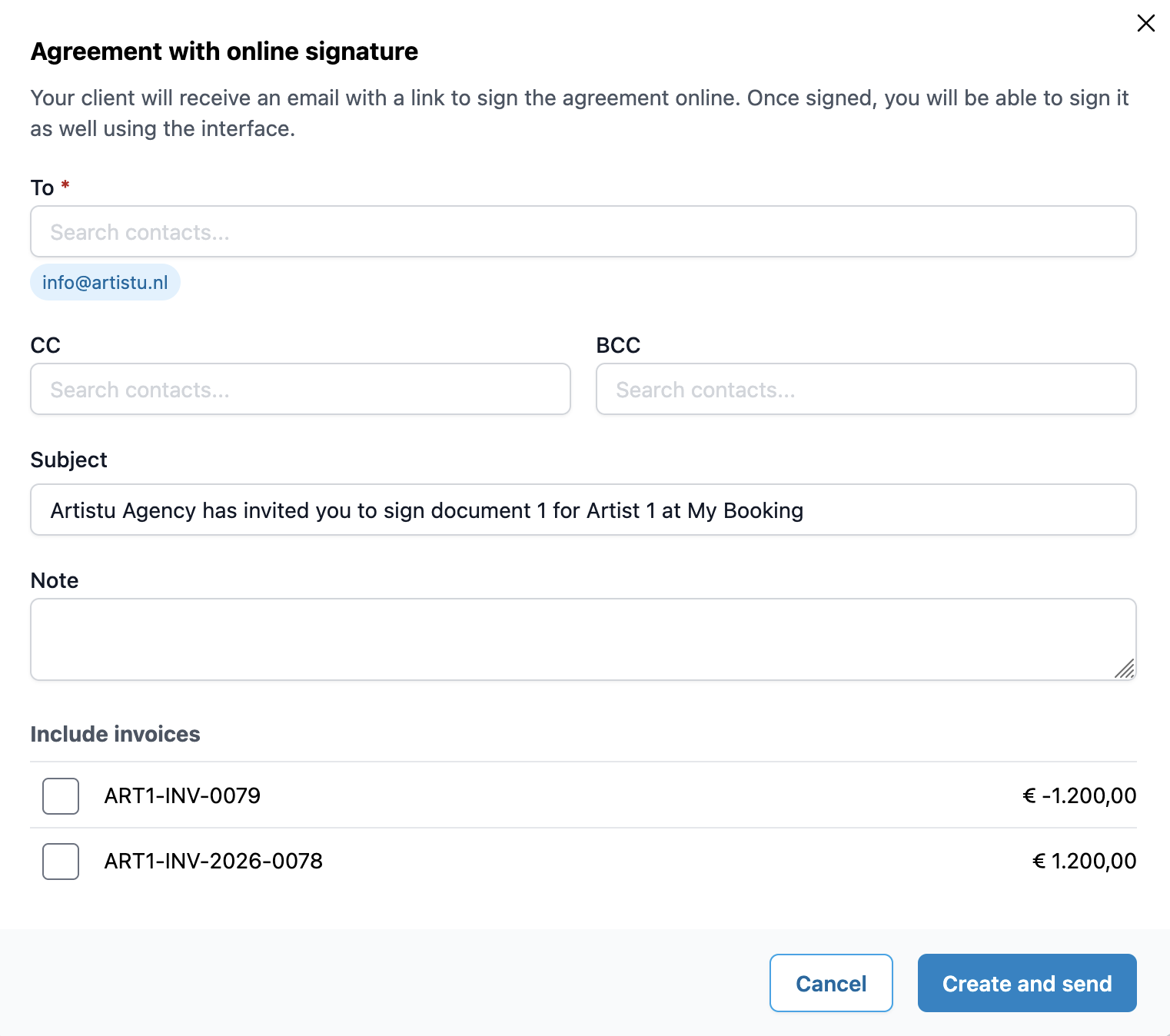
In the request form, you can fully customize the email that will be sent to the promoter.
- Subject: Update the subject line of the email.
- Message: Set a custom message for your customer.
- CC / BCC: Add additional recipients to the email.
Including invoices
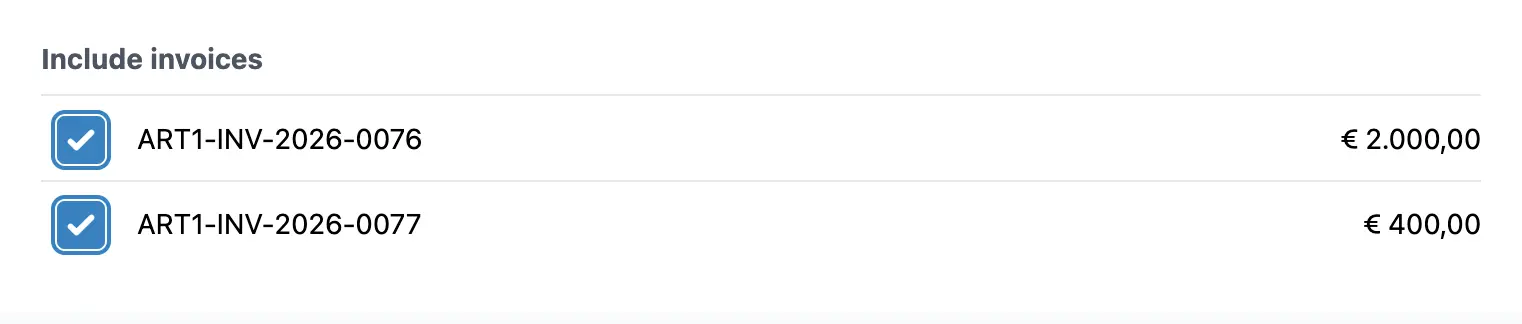
If you have created invoices for this booking, you can choose to include them in the signature request. This way, the promoter receives everything they need in one go.
Tracking status
Once the request is sent, the status of the agreement will change to Sent. You can track this status directly from the booking overview.

Client experience
Your customer will receive an email with a link to the agreement. They will see a professional online signing page where they can review the document.

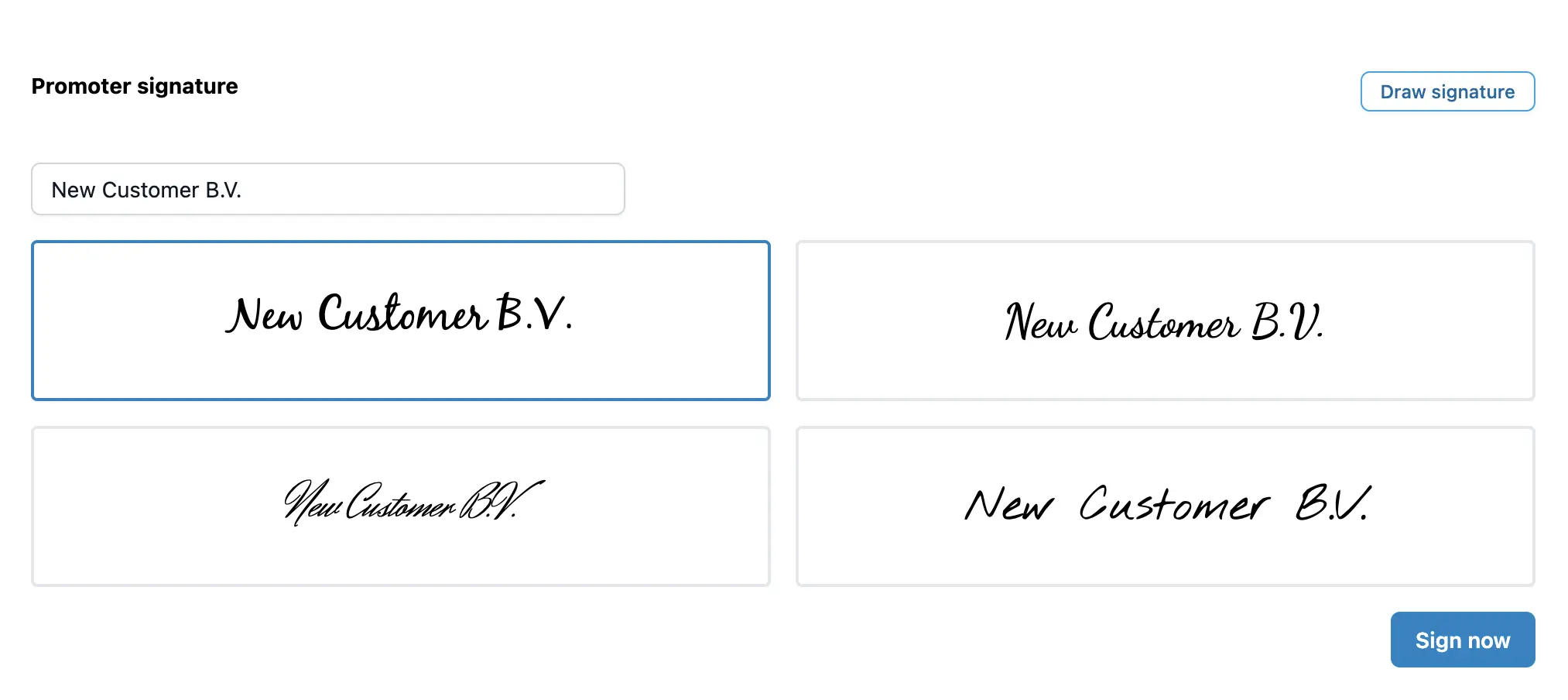
To sign, they simply scroll to the bottom or click the sign button, and add their signature.
Completion and notifications
When the customer signs the agreement, you will receive an email notification asking you to countersign.
The status in Artistu will update to Client signed.

Countersigning
You can now review the signed agreement and add your own countersignature directly from the dashboard.
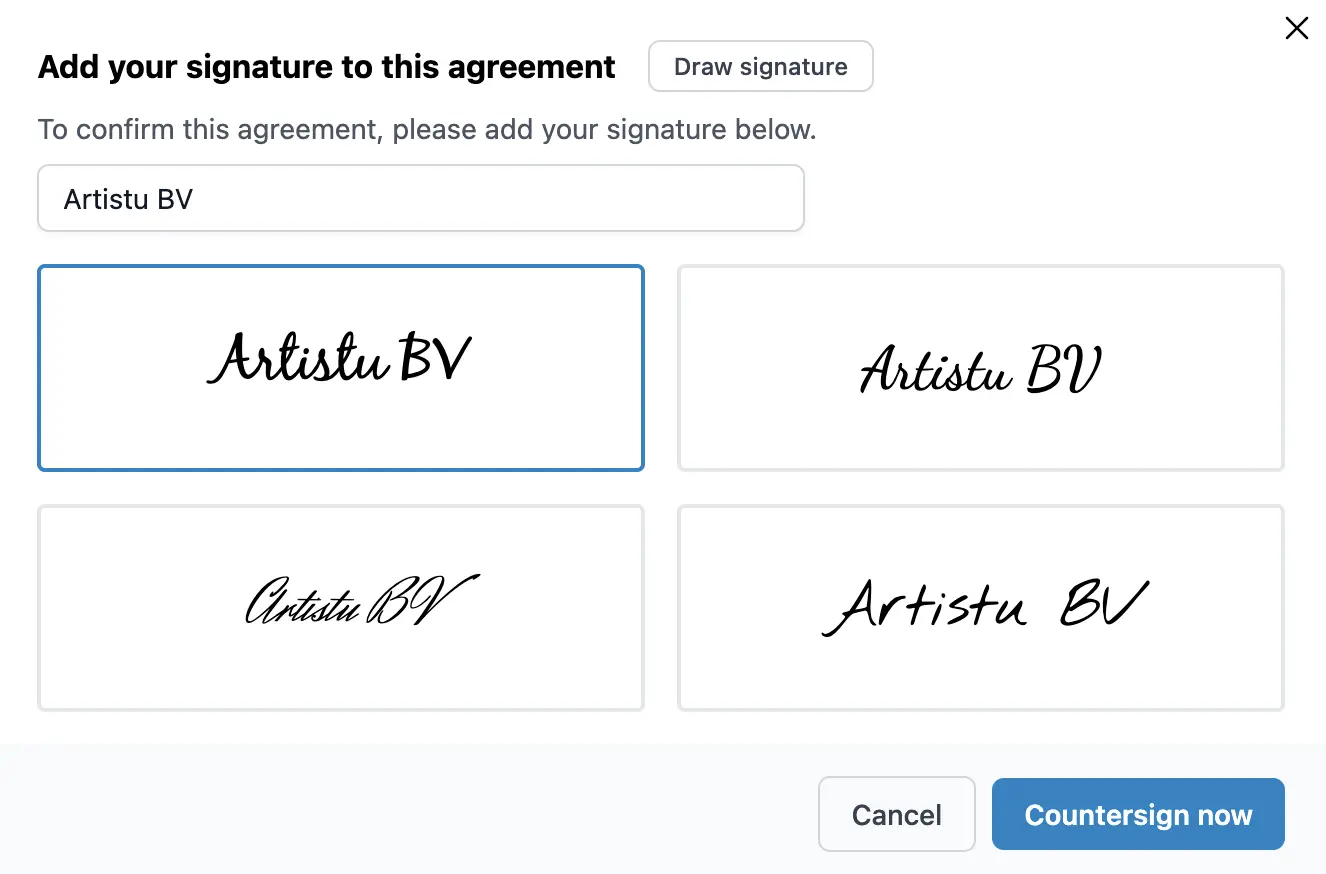
Once you have countersigned, the customer receives a final email notification confirming that everyone has signed, attached with the fully signed PDF.